BIM scheduling software that tells every team what's due, before it's late
Plannerly's BIM schedule is the timeline of your scope: every deliverable with its owner, start and end dates and dependencies, built from the plan your teams agreed. Reminders go out 7 days before a start, 3 days before a deadline and when a task is overdue, and the charts update automatically.
See every appointed party's deliverables on one timeline, with the dates they agreed to. Reminders go out before starts and deadlines, so you find out what's late from the plan, not from a missed handover.
Sequence every subcontractor's deliverables on one timeline, so problems get talked through months before they reach site. Reminders chase the dates for you, and the charts show who is behind.
Agree when each consultant delivers what, set the dependencies between you, and let the reminders do the chasing before each issue.
Give every client a schedule their teams actually follow: owners and dates on every deliverable, reminders before deadlines and progress they can see without asking.
Show students how a delivery schedule really works: deliverables, owners, dependencies and reminders on the timeline of a real project.
How the schedule gets built, agreed and kept on time
Start from the scope
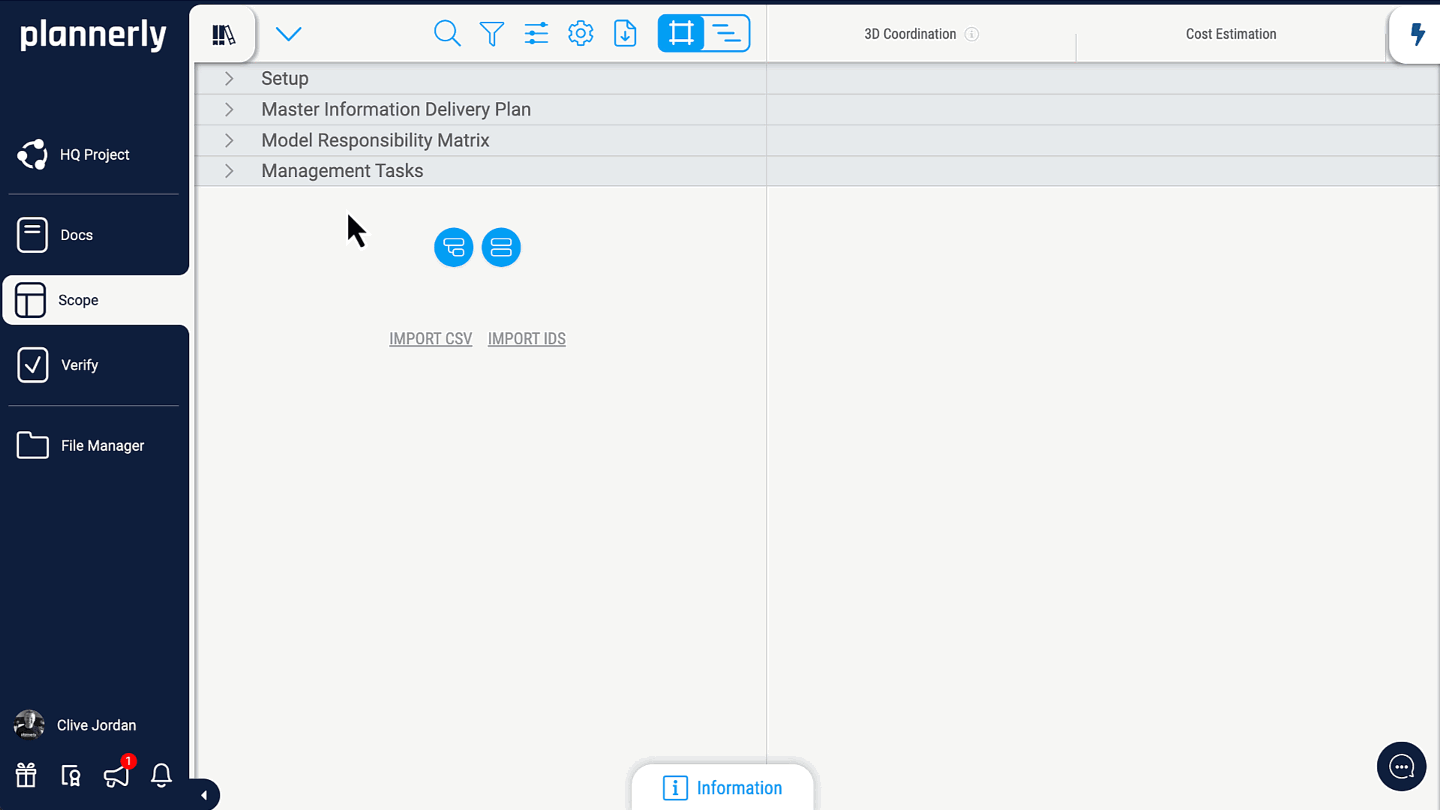
A programme typed up separately is out of date by Friday. The timeline is built from the scope itself: every deliverable, milestone and owner you've already agreed, with no second list to keep in step.
One plan, not two
Sequence the work
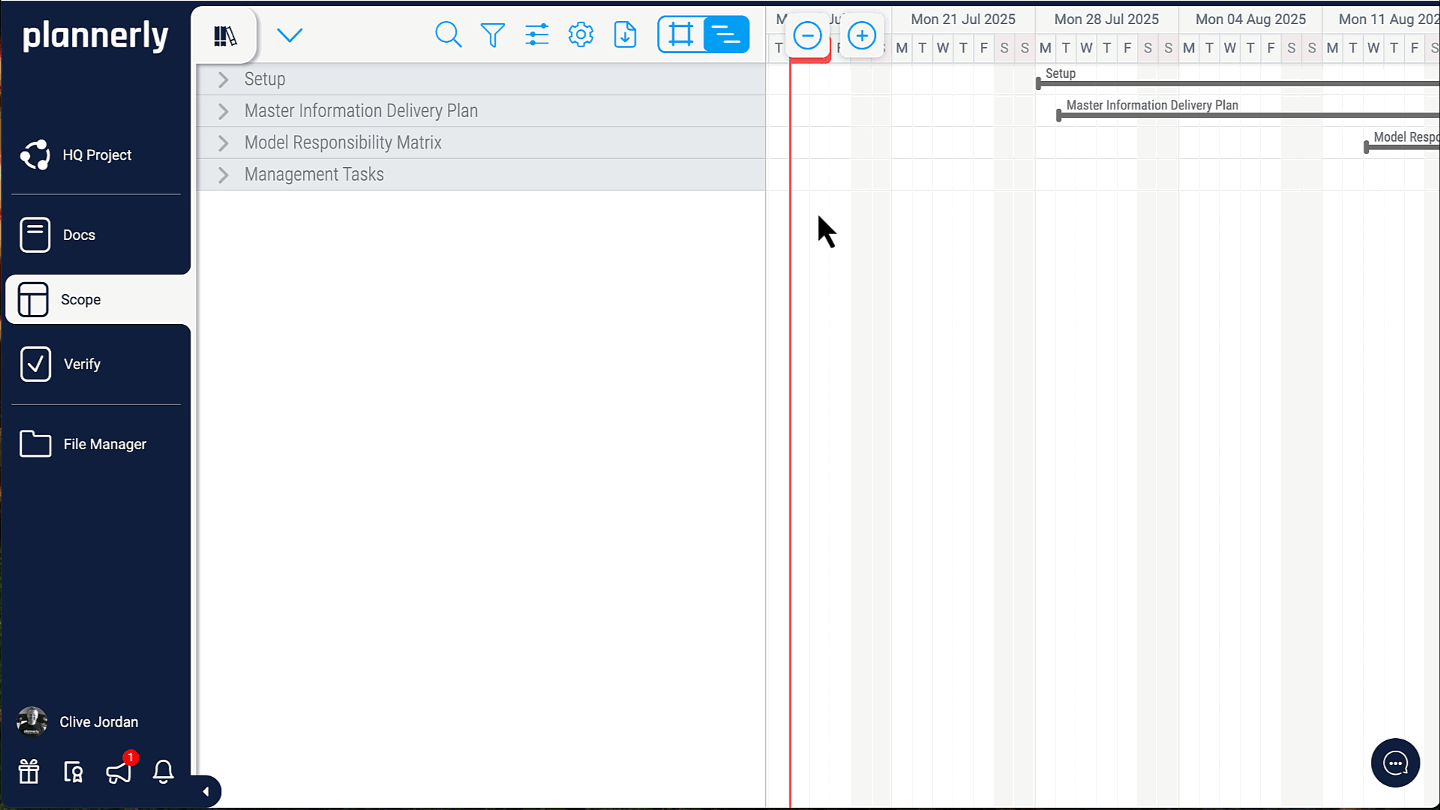
Drag start and end dates on the timeline, connect one task to the next to set the dependencies, and schedule each team's work package on its own.
The right sequence, agreed
Let teams own their dates
You shouldn't be typing everyone's durations. Task teams work on the same schedule in their own filtered view, and you keep an eye on the handovers between them.
Every date owned by the team that keeps it
Remind and track
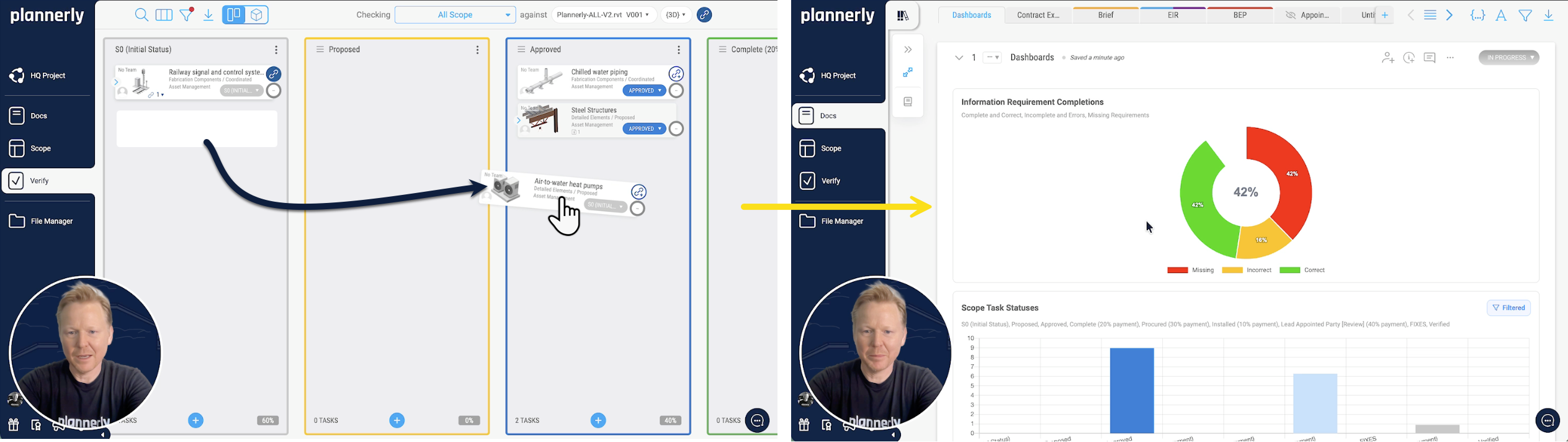
Reminders go out 7 days before a start, 3 days before a deadline and when a task is overdue, to everyone in the app. Statuses move on the Kanban board, and the charts update automatically.
Nobody surprised by a deadline
Watch the timeline
See the timeline used to coordinate tasks across teams
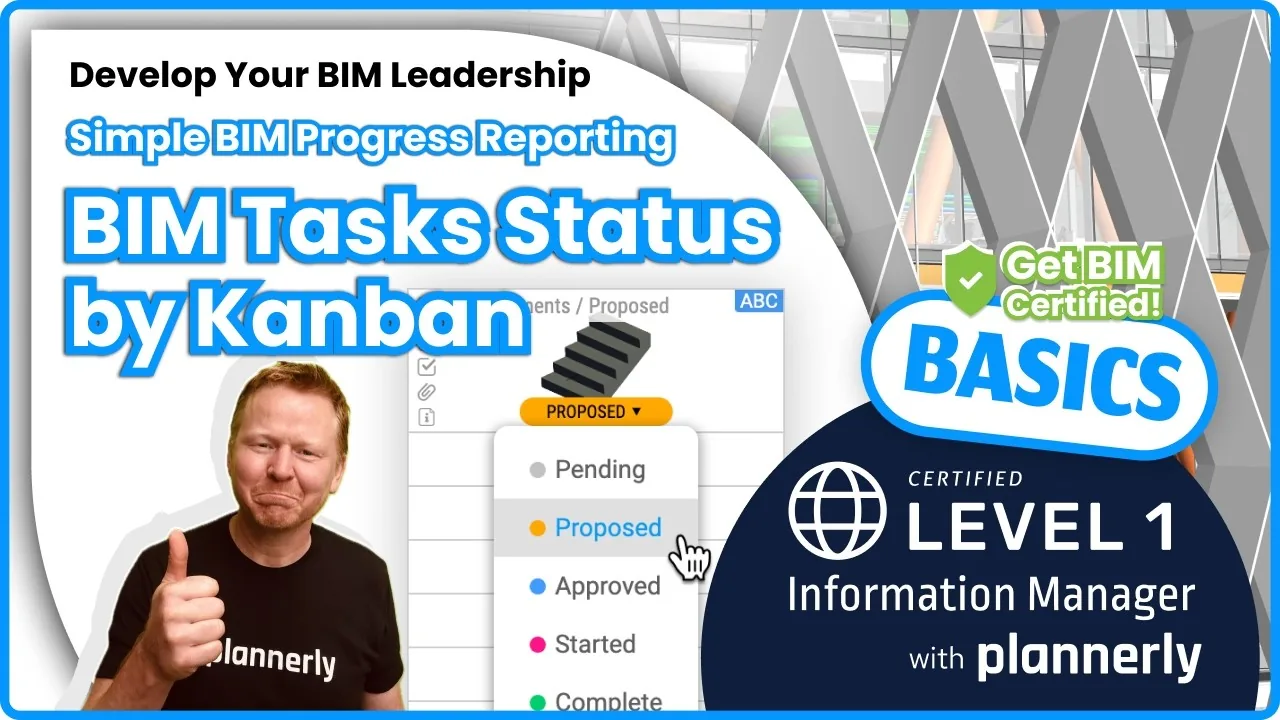
From the free Level 1 course
Using the timeline for efficient task coordination
Dates, dependencies and owners on the timeline, and how teams keep their part of it up to date. One of the free Level 1 Scope lessons.
What you get
It's time to take control of your BIM management tasks
From the plan
The MIDP and every TIDP, already on the schedule
When the schedule and the delivery plan are separate files, one of them is always wrong. In Plannerly every TIDP rolls up into the MIDP automatically, and every deliverable in it carries its owner, milestone, dates and dependencies, so the plan your teams agreed is the schedule they work to.
Every TIDP rolled up into the MIDP
Milestones, durations and dependencies on every deliverable
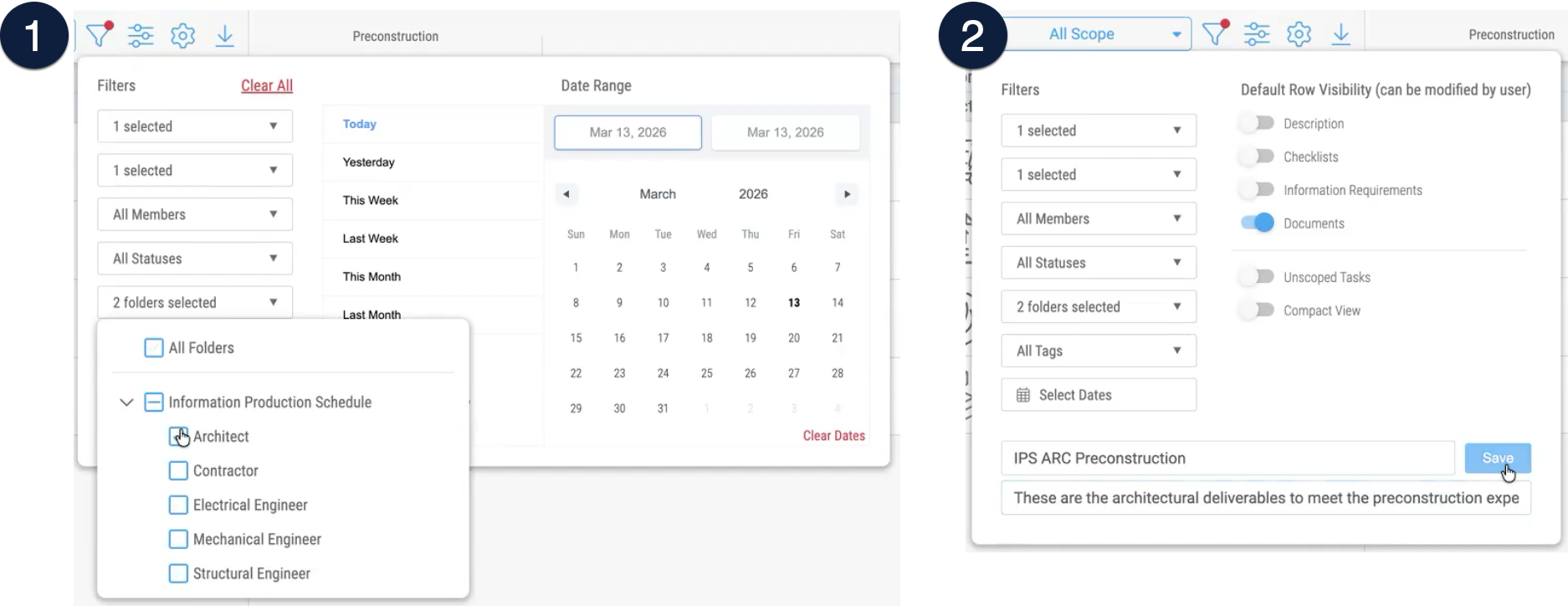
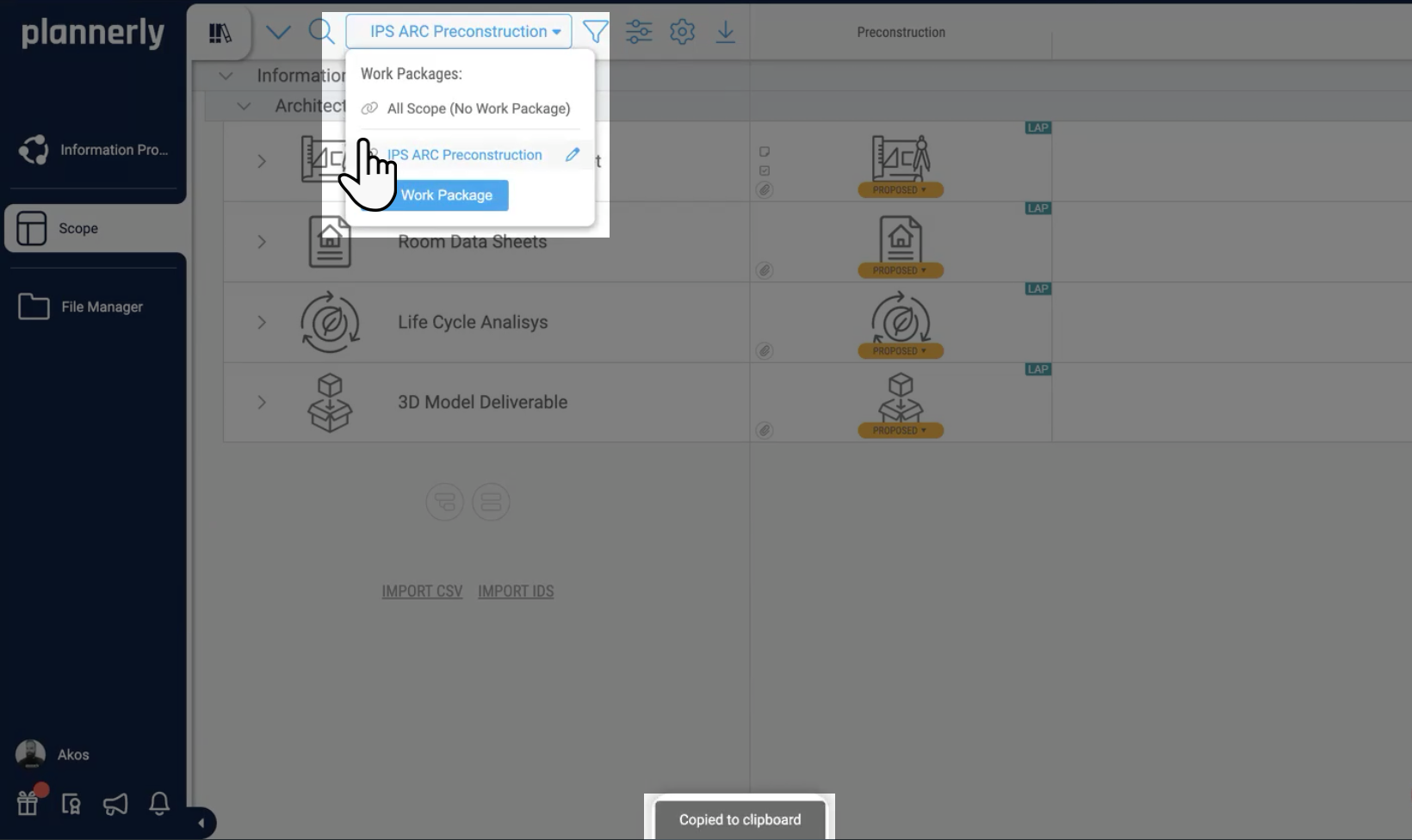
One giant timeline helps nobody. Filter the scope by milestone, folder or team, save it as a work package and schedule it on its own: architectural coordination, the MIDP or one discipline's deliverables. Drag the dates, connect the dependencies and keep the order clear.
Everyone works on the same schedule, in their own view
Task teams in different offices see the same schedule, filtered to their own work. Share a work package with a link, settle questions in comments on the task, and see who changed what in its history. Nobody works from last week's printout.
app.plannerly.com
Reminders and status
Reminders that do the chasing, and charts that show who's behind
Chasing dates by email is a job nobody signed up for. Reminders go out 7 days before a start, 3 days before a deadline and when a task is overdue, to everyone in the app, and you can adjust them. As statuses move on the Kanban board, the charts update automatically.
Reminders before starts and deadlines, and when overdue
Adjustable, and they reach everyone in the app
Charts filtered by team, milestone or work package
app.plannerly.com
Print formatted PDFs
Share the schedule as a PDF or Excel, on a schedule
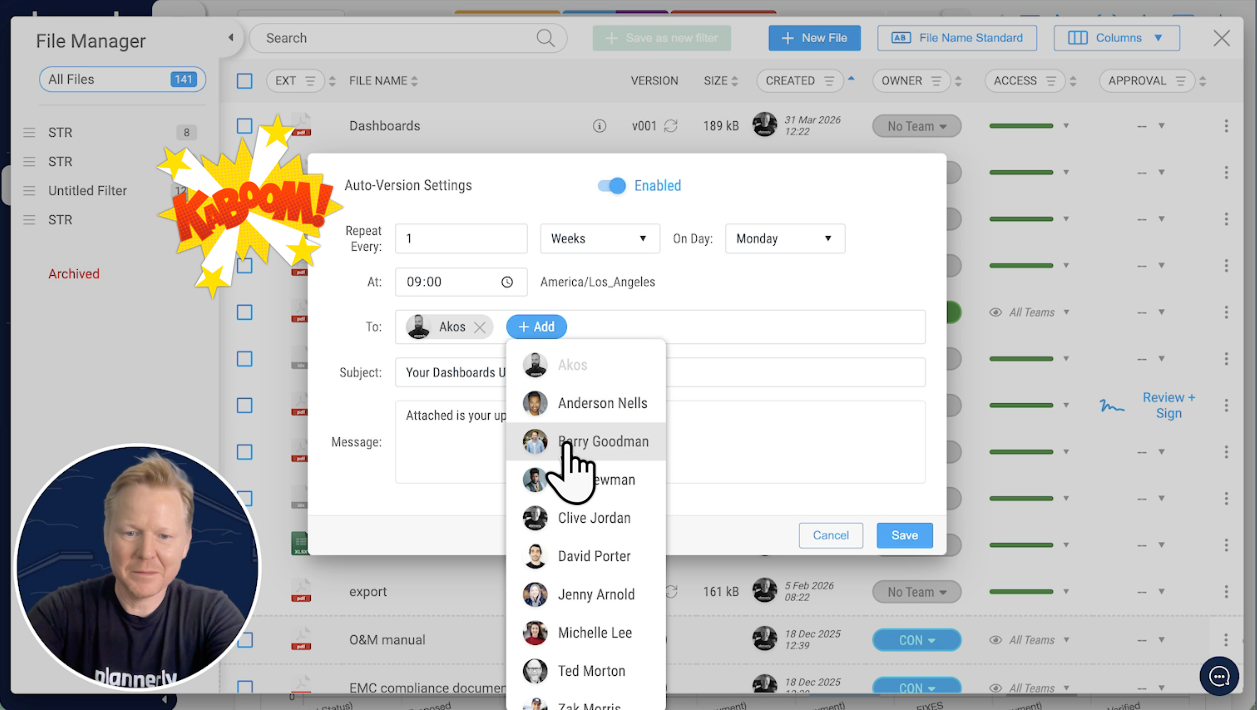
Export the timeline as a clean PDF for the people who won't log in, or to Excel to keep working elsewhere. Put the timeline in the same PDF as the BEP and the scope grid, and set the export to make a new version every week by itself.
Why your MIDP spreadsheet is failing, and how to fix it
A MIDP built live in Plannerly: every file named, each team's TIDP agreed, dates on the timeline and progress charts that move as files arrive. Jump to the chapter you need.
Start from Episode 1's MIDP: a starter project and three ISO 19650 PDFs, free
Free download
MIDP Survival Kit: a starter project and three ISO 19650 PDFs
Start your MIDP from the project Episode 1 built instead of a blank spreadsheet, with three PDFs from our free ISO 19650 training: the MIDP step, the detailed responsibility matrix and the whole process on one page.
1 starter project
3 PDFs
Free
PDF
PDF
PLANNERLY
MIDP starter project
Episode 1's MIDP as a project of your own: task teams, milestones and deliverables in Scope, ready for you to paste in your own lists.
A BIM schedule says who delivers which information, by when, and in what order: every model, drawing and document on a timeline with its owner, dates and dependencies. In Plannerly it's the timeline of your scope, so it's built from the deliverables your teams already agreed rather than typed up separately. MIDP and TIDP explained.
Where is scheduling in Plannerly?
In Scope. Switch the grid to the timeline view, or save a work package and schedule it on its own; the Kanban board shows the same tasks by status. The old Schedule module now lives there. Schedule your scope.
How do the task reminders work?
Reminders go out 7 days before a task starts, 3 days before its deadline and when it's overdue. They reach everyone in the app, and you can adjust them. Run the MIDP shows them in a real plan.
Can I set dependencies between tasks?
Yes. On the timeline, connect one task to the next to set a dependency, drag the start and end dates, and change the order to keep the sequence clear. Schedule your scope with work packages.
Can each task team schedule its own work?
Yes. Each team works on the same schedule in its own filtered view or work package, and on Pro and Company editors are unlimited, so every team can keep its own dates at no cost to them. Invite your task teams and see the prices.
How does the schedule relate to the MIDP and TIDPs?
Statuses move on the Kanban board, and charts of task status update automatically. Filter them by team, milestone or work package, or put them in a weekly PDF report that sends itself. Filter charts by work package and build a dashboard.
Can I export the schedule?
Yes. Export the timeline as a PDF to share a clean snapshot, on its own or alongside the BEP and the scope grid, or export the scope data to Excel to keep working in another tool. Export to PDF or Word and export scope to Excel.
Is it a replacement for the construction programme?
No. Keep the construction programme in your planning tool. Plannerly schedules the information: who delivers which model, drawing or document, by when, and what depends on it - the part a construction programme rarely tracks and a spreadsheet can't keep up with. BIM in construction management.
Is Plannerly a 4D BIM tool?
Not in the sense of a 4D construction simulation, which links model geometry to the construction sequence. Plannerly links model elements to the tasks that deliver them, with dates, so you can see who is delivering what and check it when it arrives. For 4D simulation, see the tools in our BIM software list.
Is there a BIM calendar of what's due?
The timeline is it: filter by team, milestone or work package to see what's due and when, and the reminders tell each person before their dates arrive. The Scope interface and its filters.
How much does it cost?
Scheduling is part of Scope. You can start free; Pro is priced per project and adds unlimited editors, so every task team keeps its own dates. You can try every Pro feature free for 14 days, with no card. See the prices.
Pricing
Start free, then pay per project when you're ready
Free$0forever
Five projects included
The account owner edits; everyone they invite can view
100 MB of project files
Explore Docs, Scope and Verify
Build the plan and its timeline, and invite people to view them